$ cat ~/work/pointersense.case
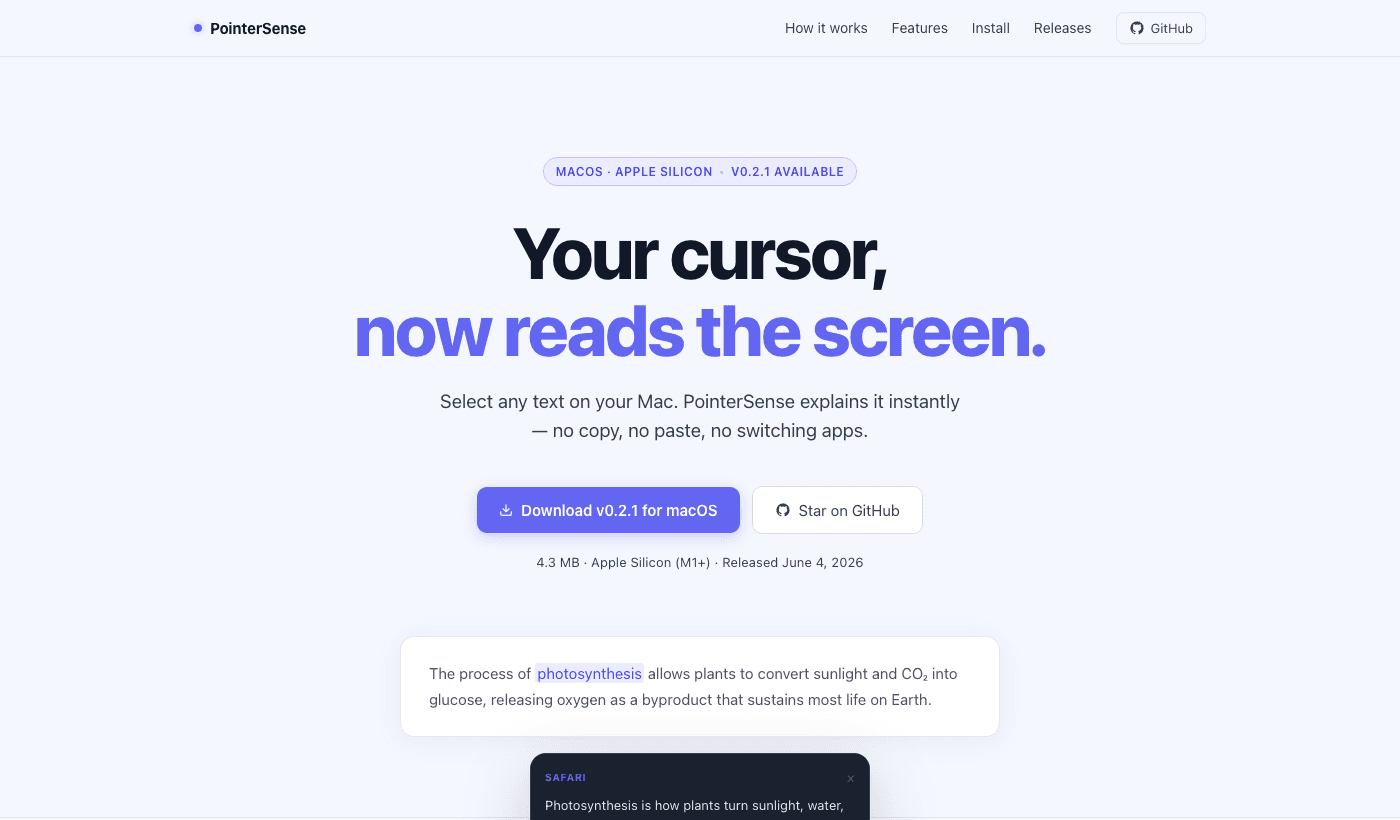
PointerSense.
macOS app · Shipped
// A macOS menu bar utility that turns your cursor into an AI comprehension layer — hover any text anywhere on screen and get an instant explanation without leaving your app.
// Impact at a glance
- - Hover-triggered AI explanations for any text on screen — no copy-paste, no app-switching required
- - 5 detection modes from auto hover to manual-only, all configurable from the menu bar
- - API keys stored in macOS Keychain, no history saved by default, app exclusions supported
// summary
PointerSense is a Tauri v2 desktop app that lives in the macOS menu bar. Hover over difficult text anywhere on your Mac — code errors, dense articles, legal text, terminal output — and get a concise AI explanation as a floating tooltip near your cursor, with optional speech output. No copy-paste, no app-switching.
// problem
Reading on a computer still has a hidden tax: find confusing text, select it, copy it, open an AI chat, paste it, ask for meaning, then jump back. That round trip breaks flow dozens of times a day.
// what I built
PointerSense removes the round trip entirely. It monitors the cursor for a short dwell, reads text from the focused app through macOS Accessibility APIs, sends it to your chosen AI provider, and returns the answer as a tooltip near the cursor — or as spoken output. All from the menu bar, with no extra windows.
// core experience
- - Hover over any text — code, articles, terminal output, legal language — and get an AI explanation near the cursor after a short dwell
- - Choose your detection mode: auto hover, Option-key hold, selected-text priority, or manual pause
- - Configure providers, models, and output (tooltip, speech, or both) through a minimal setup window accessible from the menu bar
// architecture
- - Tauri v2 + Rust for the menu bar shell, cursor and keyboard monitoring, and macOS Accessibility text lookup
- - Svelte + TypeScript for the setup UI and tooltip window
- - Provider adapters for OpenAI, Anthropic, Gemini, and Ollama Cloud; API keys stored in macOS Keychain
// ai involvement
The model receives the detected text plus the source app name and returns a short, contextually appropriate explanation. Provider-agnostic routing means users bring their own key and model — the product work is making detection fast, private, and non-intrusive.
// challenges
- - Reading text reliably across apps through macOS Accessibility — detection quality varies by what each app exposes
- - Triggering explanations at the right moment without feeling invasive or firing too eagerly on cursor movement
- - Keeping API keys in macOS Keychain and ensuring no explanation history is stored unless the user opts in
// outcome
Shipped — live at pointersense-site.vercel.app. Full product loop: menu bar shell, setup UI, Keychain-backed provider settings, global hover monitor, Accessibility text detection, tooltip and speech output, and all detection mode toggles.
// why this matters
It demonstrates I can build ambient, privacy-conscious native utilities — apps that disappear into the desktop and augment existing workflows without demanding attention or requiring a new window.
// reflection
The hardest constraint is staying invisible. The product should feel like the computer can explain itself, not like another app you have to manage.
// capabilities
// links